
All-in-One Archiver for your Mac Bandizip for macOS
All-in-One Archiver for your Mac
Bandizip is a powerful archiver for macOS users with a variety of convenient features.
Compare Bandizip & Bandizip 365Latest version: v7.37
What makes Bandizip essential on Mac

◂Bandizip
Mac Finder
▾

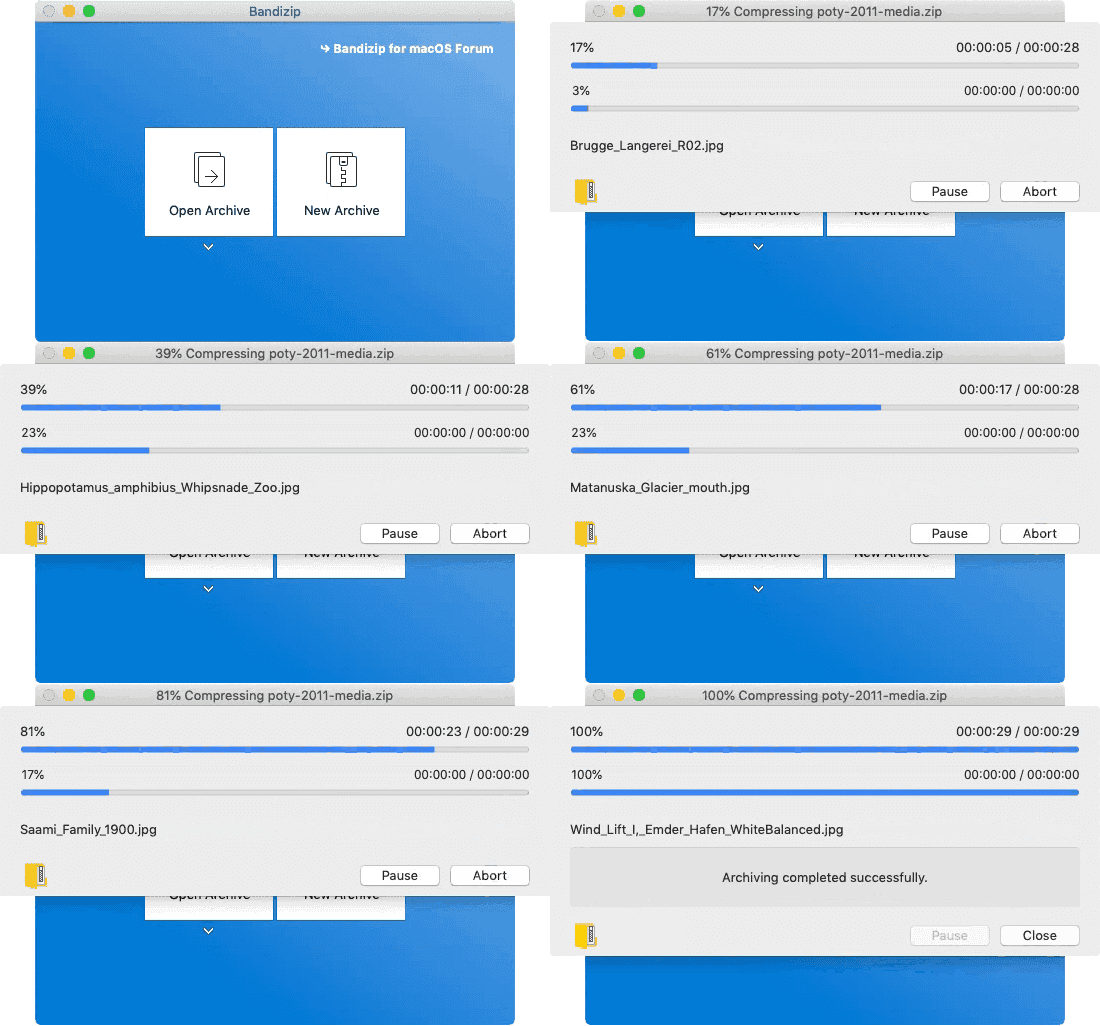
File compression 10x faster than Finder
Use a multi-core processor to compress files 10x faster than Finder does.
※ May vary depending on the system environment.
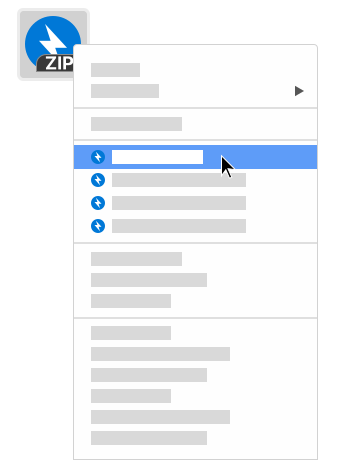
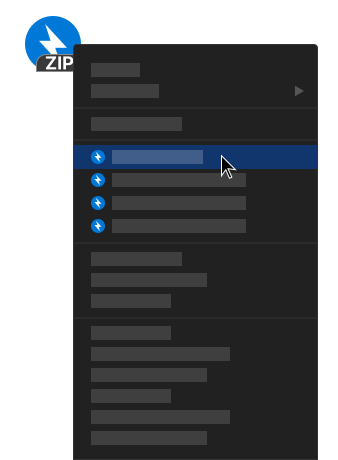
Finder services menu integration
Quickly access the app features in the right-click menu of Finder

Password Manager
Help to manage and enter frequently used passwords for handling archives

Repair Archive
Analyze a corrupted ZIP archive and collect uncorrupted data as much as possible

Password Recovery
Recover an archive’s password with ultrafast speed by optimized brute-force search

Image Preview in Archive
View thumbnails of images in an archive without decompression
Basic features
Supported formats
ZIP, 7Z(lzma2), ZIPX(xz), TAR, TGZ, GZ
- Add, delete, rename files in a ZIP archive
- Multi-volume compression (for email attachments)
- High-capacity compression (larger than 4GB)
- Password settings for your archive
- AES256 encryption algorithm
Supported formats
7Z, ACE, AES, ALZ, ARJ, BH, BIN, BZ, BZ2, CAB, Compound(MSI), EGG, GZ, IMG, ISO, ISZ, LHA, LZ, LZH, LZMA, PMA, RAR, RAR5, SFX(EXE), TAR, TBZ, TBZ2, TGZ, TLZ, TXZ, UDF, WIM, XPI, XZ, Z, ZIP, ZIPX, ZPAQ, ZST
- Show the list of files inside an archive
- Use drag & drop to extract the selected files from an archive
- View file comments of ZIP & RAR archives
- One-step file extraction from TGZ & TBZ archives
- Test integrity of an archive
- Codepage settings & auto-detection
- Finder services menu integration
- Change the Unicode normalization for filenames (NFC & NFD)
Featured on
Bandizip (macOS)
Bandizip is a powerful archiver for macOS users with a variety of convenient features.
System requirements
- Bandizip: macOS 10.13 (High Sierra) / Bandizip 365: macOS 11 (Big Sur)
- 64-bit processor